Mogged into building a Chrome extension (Replacing 'Search with Google' with Claude)
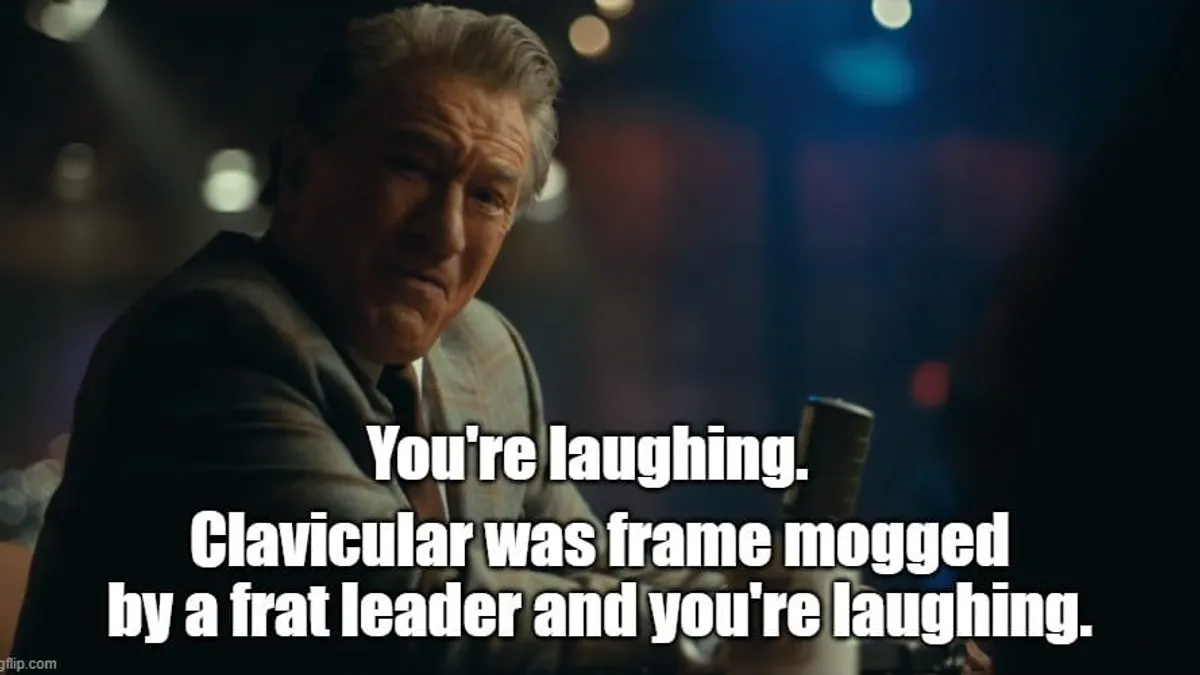
Scrolling the fever dream called Twitter, I came across this sentence:
“Clavicular ran into a frat leader at ASU and got brutally frame mogged by him”
(frame mogged: physically dominated by someone with a superior physique, apparently)
None of those words are in the bible. I could have Googled it. Instead, I did what any reasonable person would do and built a Chrome extension.
Housekeeping#
Code is on GitHub if you want to skip the post entirely.
Download zip →
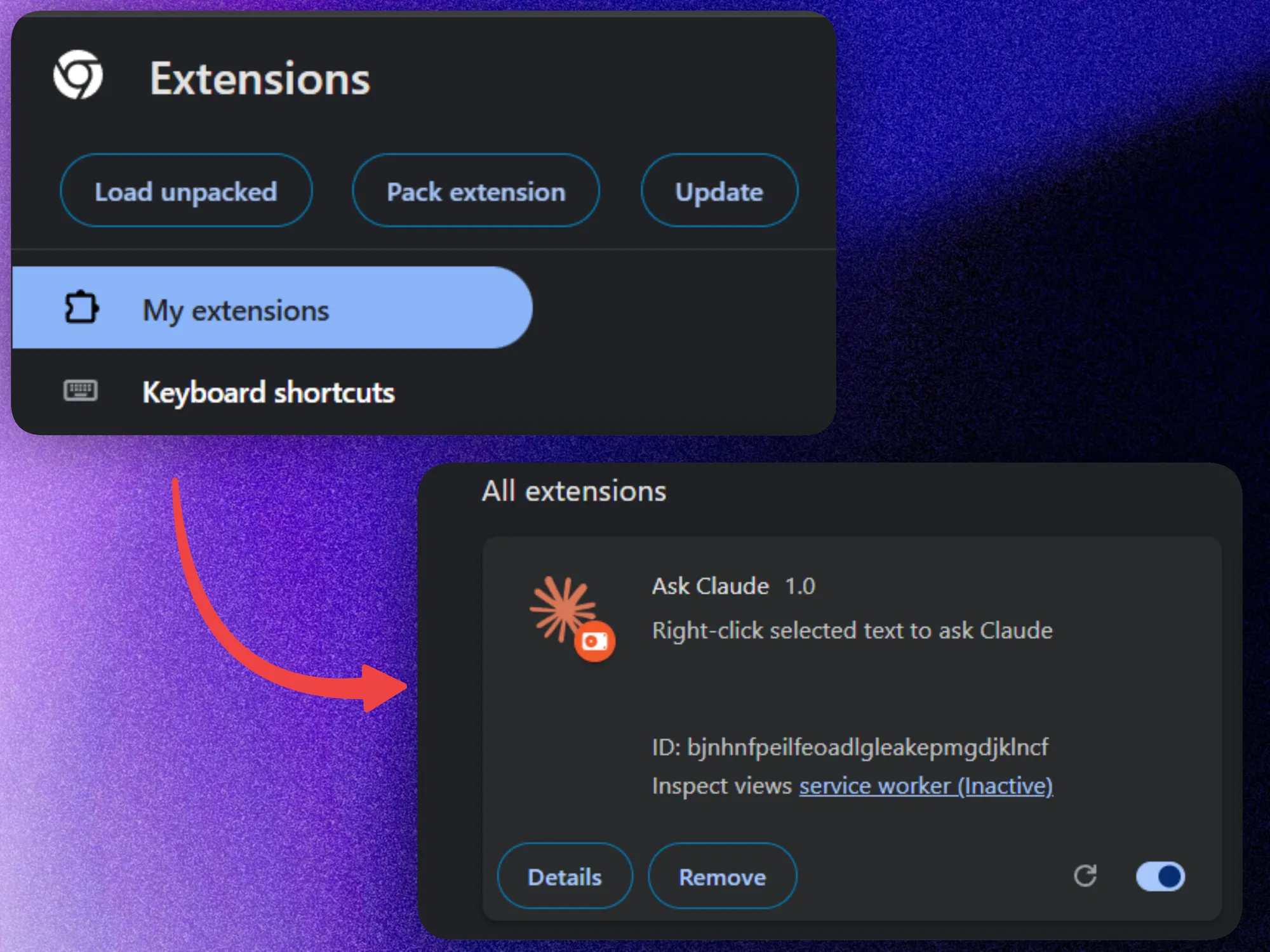
chrome://extensions→ Developer mode → Load unpacked → point to extracted folder
(slightly shortened snippets below for brevity)
TL;DR#
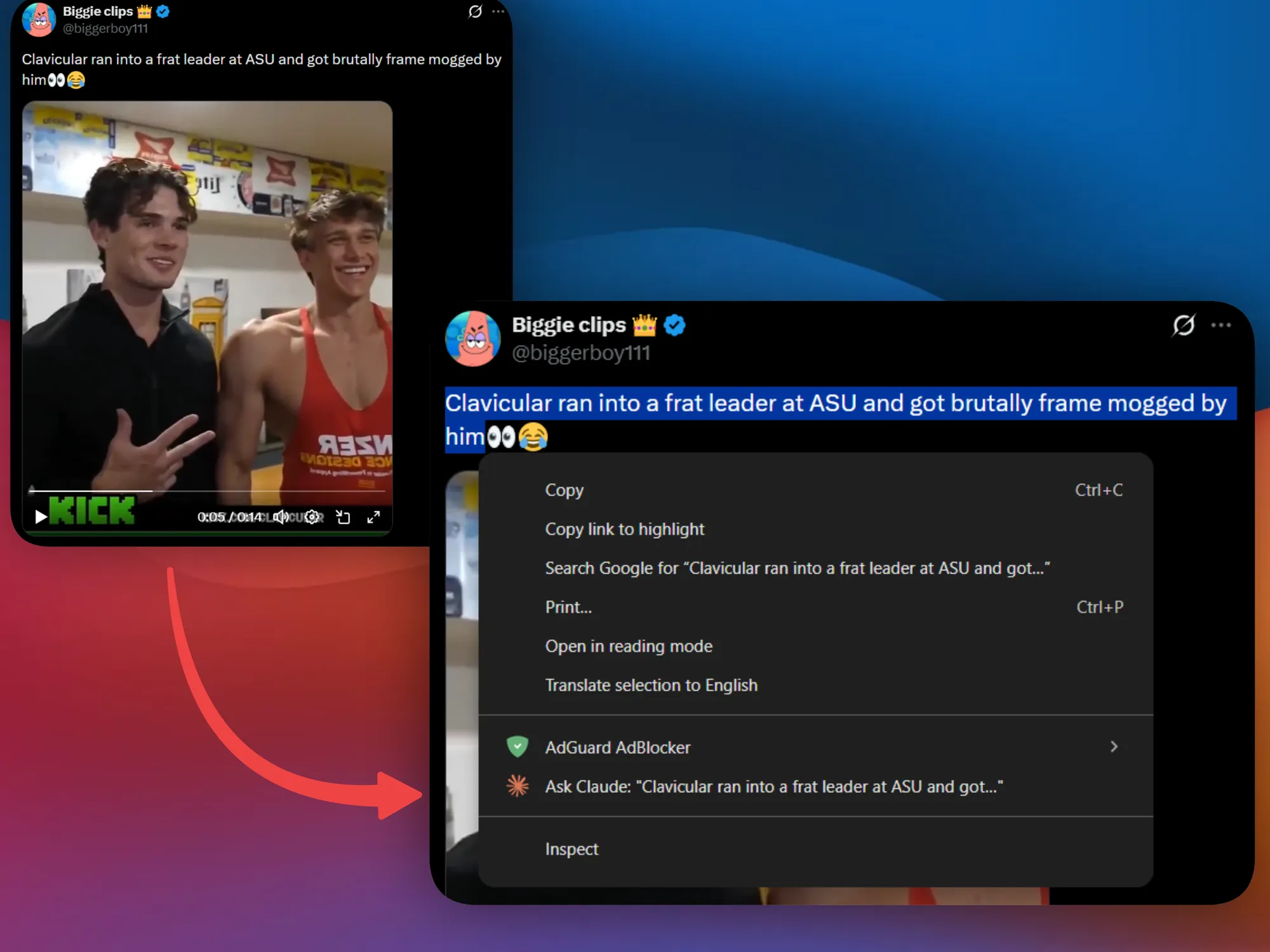
A Chrome extension that adds Ask Claude to the right-click menu. Drag the cursor to select some text, right-click on it, and it opens Claude with enough context to maybe give a useful answer.
Just three files?#
I am still not 100% sure how chrome extensions work. It seems they need no build step, npm install or other shenanigans. Just pure caveman JS stuff. 🧌
{
  "manifest_version": 3,
  "name": "Ask Claude",
  "version": "1.0",
  "description": "Right-click selected text to ask Claude",
  "permissions": ["contextMenus"],
  "background": {
    "service_worker": "background.js"
  },
  "content_scripts": [
    {
      "matches": ["https://claude.ai/*"],
      "js": ["content.js"]
    }
  ]
}
manifest.json
With this, the right click menu entry gets created on install. So when it’s clicked, it takes the selected text, puts it in a simple prompt and throws it at a new Claude tab.
chrome.contextMenus.onClicked.addListener((info) => {
  if (info.menuItemId !== "askClaude") return;
  const text = `I selected "${info.selectionText}" on my browser\n\nI would normally Google this. Tell me what I need to know.`;
  chrome.tabs.create({ url: `https://claude.ai/new?q=${encodeURIComponent(text)}` });
});
background.js
The actual prompt ended up being:
I selected “X”. I would normally Google this. Tell me what I need to know.
It’s not much – but it’s definitely better than sending “GitHub” and getting “What’s up with GitHub? What are you trying to do?” — which is exactly what happened on my first few attempts. 😭
Last piece is a content script that hits Send on its own, cause clicking it myself is way too much effort.
const params = new URLSearchParams(window.location.search);
if (params.get("q")) {
  const trySend = setInterval(() => {
    const button = document.querySelector('button[aria-label="Send message"]');
    if (button && !button.disabled) {
      button.click();
      clearInterval(trySend);
    }
  }, 200);
  setTimeout(() => clearInterval(trySend), 5000);
}
content.js
Since Claude’s UI takes a bit of time until the button is actually rendered (may be opus 7.0 will fix that), we gotta put some ugly polling in order to get it to trigger, otherwise it fires into nothing.
Loading it#
chrome://extensions → Developer mode → Load unpacked → point to root of project. Done.
Anyways#
Studies show that readers who don’t click the 🍺 button below, are 73% more likely to get frame mogged at their local ASU frat party. Don’t let this happen to you.
Later